
Intro to Digital Sculpting - MD205
-
-
-
This introductory course provides students from all majors with the essential skills and workflows of digital sculpting. Using ZBrush students will explore both organic and hard surface sculpting techniques. The course empowers artists to integrate digital sculpting into their creative workflows, whether for 2D concept art, high-resolution 3D models, or rapid prototyping. Key areas of focus include fast iteration, file management, rendering, and preparing models for 3D printing.
Course Prerequisite: FD153
COURSE OBJECTIVES
The primary objectives are to give the student a strong understanding of how to use ZBrush in creature and character creation, while also refining the student’s design sense in concepting original works. Within the class we will cover:
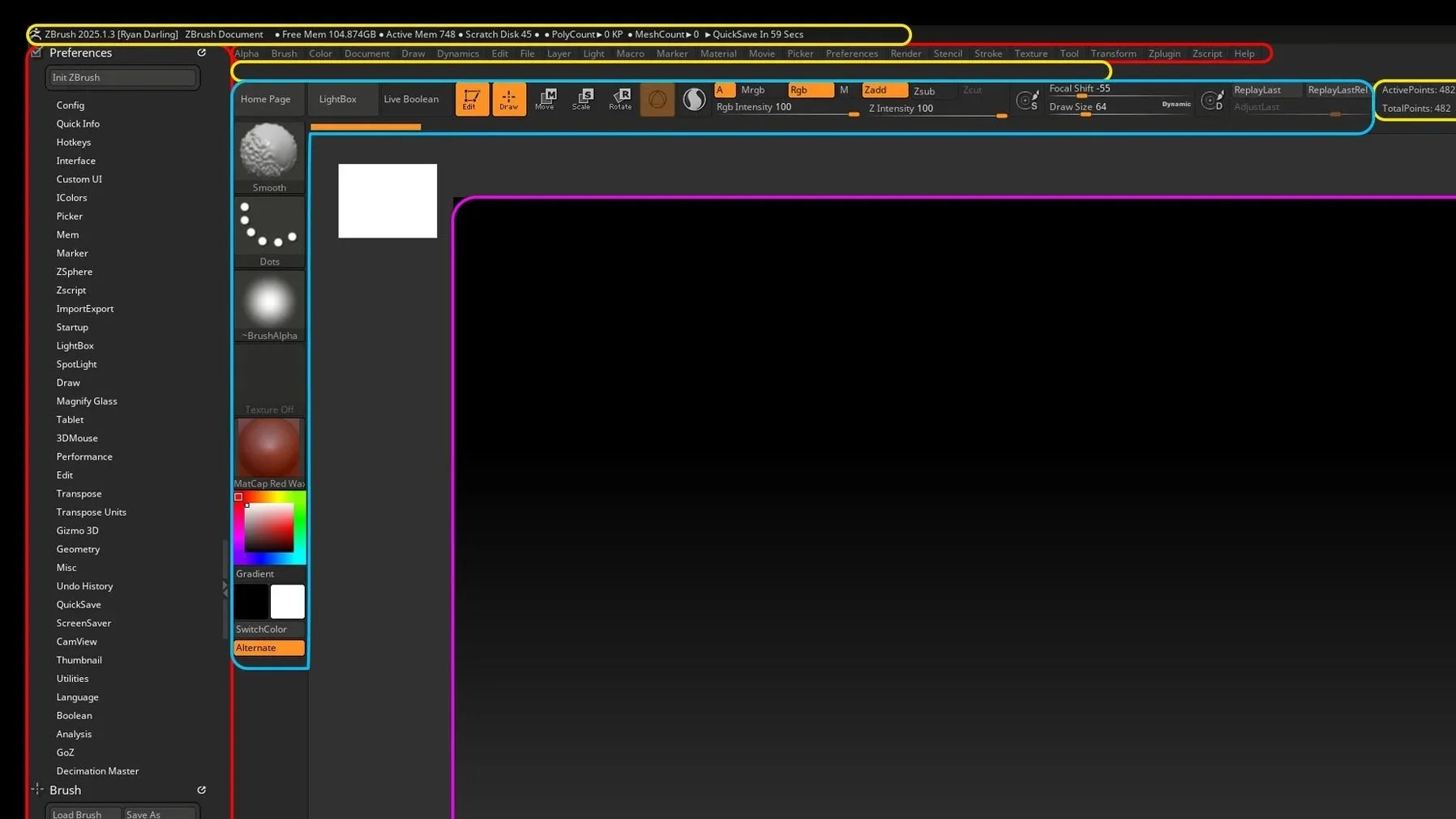
Navigating the ZBrush interface and how to use the various tools.
Best Practices in ZBrush, including workflow, tool selection, and integration with Photoshop
3D concepting as well as translating 2D art into 3D in ZBrush
Rendering for presentation using ZBrush and Photoshop and other rendering tools
LEARNING OUTCOMES
By the end of this course, students will be able to:
Sculpt and render models suitable for 2D illustration, 3D prototypes, or concept art.
Create 3D models that showcase strong use of the elements and principles of design, with an emphasis on surface and volume control.
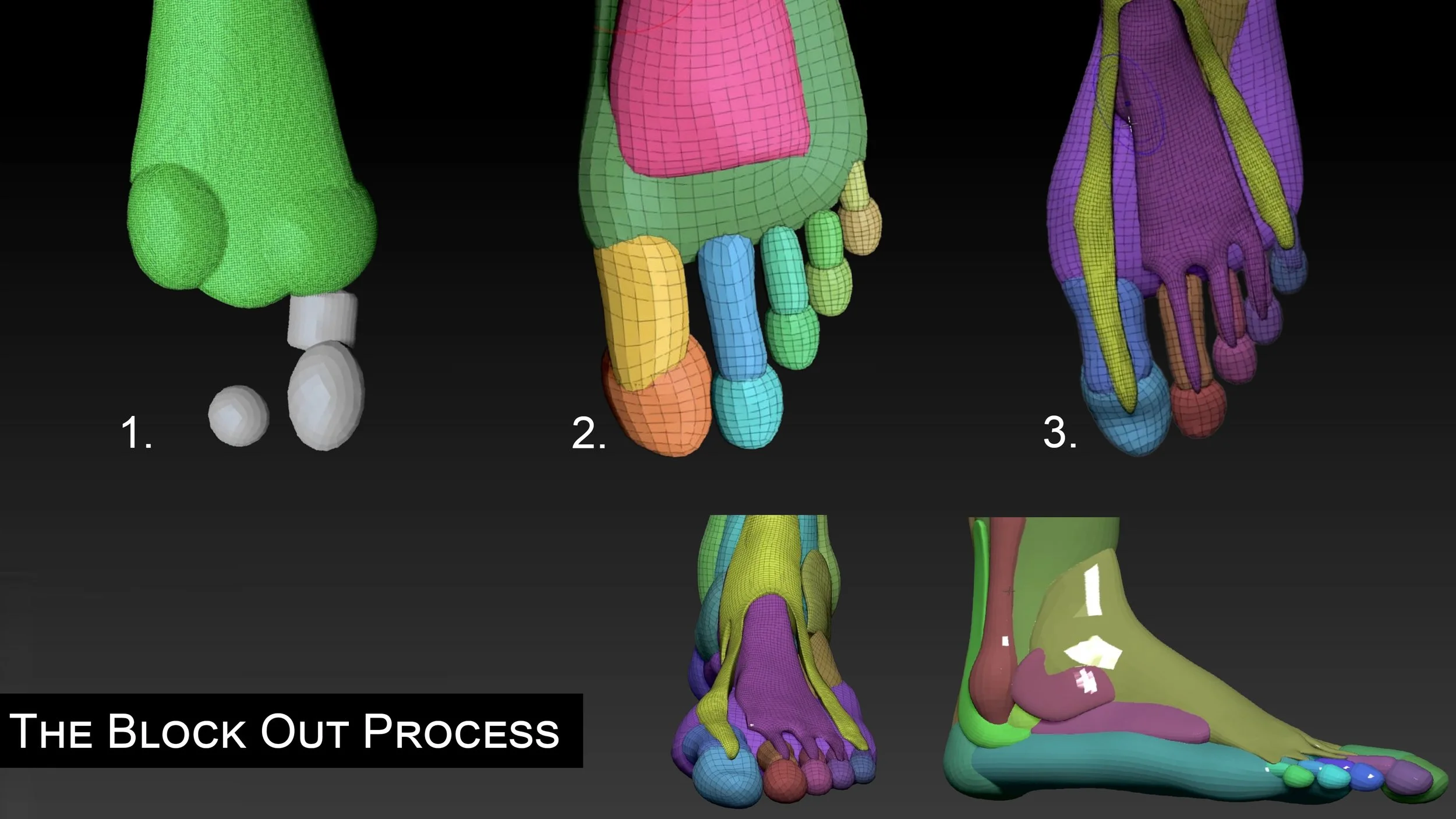
Produce rapid blockouts for characters, creatures, environments, and hard surface objects.
Apply appropriate organic and hard surface sculpting techniques for various stages of model development and export.
Demonstrate proficiency with ZBrush’s UI, tools, and brushes.
Understand key 3D modeling concepts, including vertices, faces, UV mapping, topology flow, and subdivision levels.
Prepare models for 3D printing or export them to game engines.
Manage digital files efficiently, with attention to subtool organization, file formats, import/export settings, and proper file naming and directory structure.
Render models using Redshift and BPR for high-quality final presentations.
LCAD ATTENDANCE POLICY
A student may add or drop a class by completing an Add/Drop form. If the student does not complete a drop form and ceases to attend class, he/she will receive a grade of “F” for the class. This grade will be recorded on the student’s transcript and will be reflected in his/her Grade Point Average (GPA). Specific Add/Drop dates are posted at the beginning of each semester. Add dates and drop dates, with and without assessment, vary according to the course length and start/end dates. Adherence to these dates will be strictly enforced except in serious compelling and mitigating circumstances. It is the student’s responsibility to ensure that all signatures are on the form before it is turned in to the Registrar’s office. See also “Withdrawal from the College” & “Withdrawing from a course”.
Students are expected to attend classes and be on time. LCAD’s Attendance Policy is as follows:
15-week classes with 2 weekly meetings - student may receive a failing grade at the 6th absence. A grade of “X” should be assigned.
15-week class with 1 weekly meeting – student may receive a failing grade at the 4th absence. A grade of “X” should be assigned.
10-week classes with 2 weekly meetings –student may receive a failing grade at the 3rd absence. A grade of “X” should be assigned.
X = Failure due to non-attendance
COURSE SCHEDULE / TIMELINE
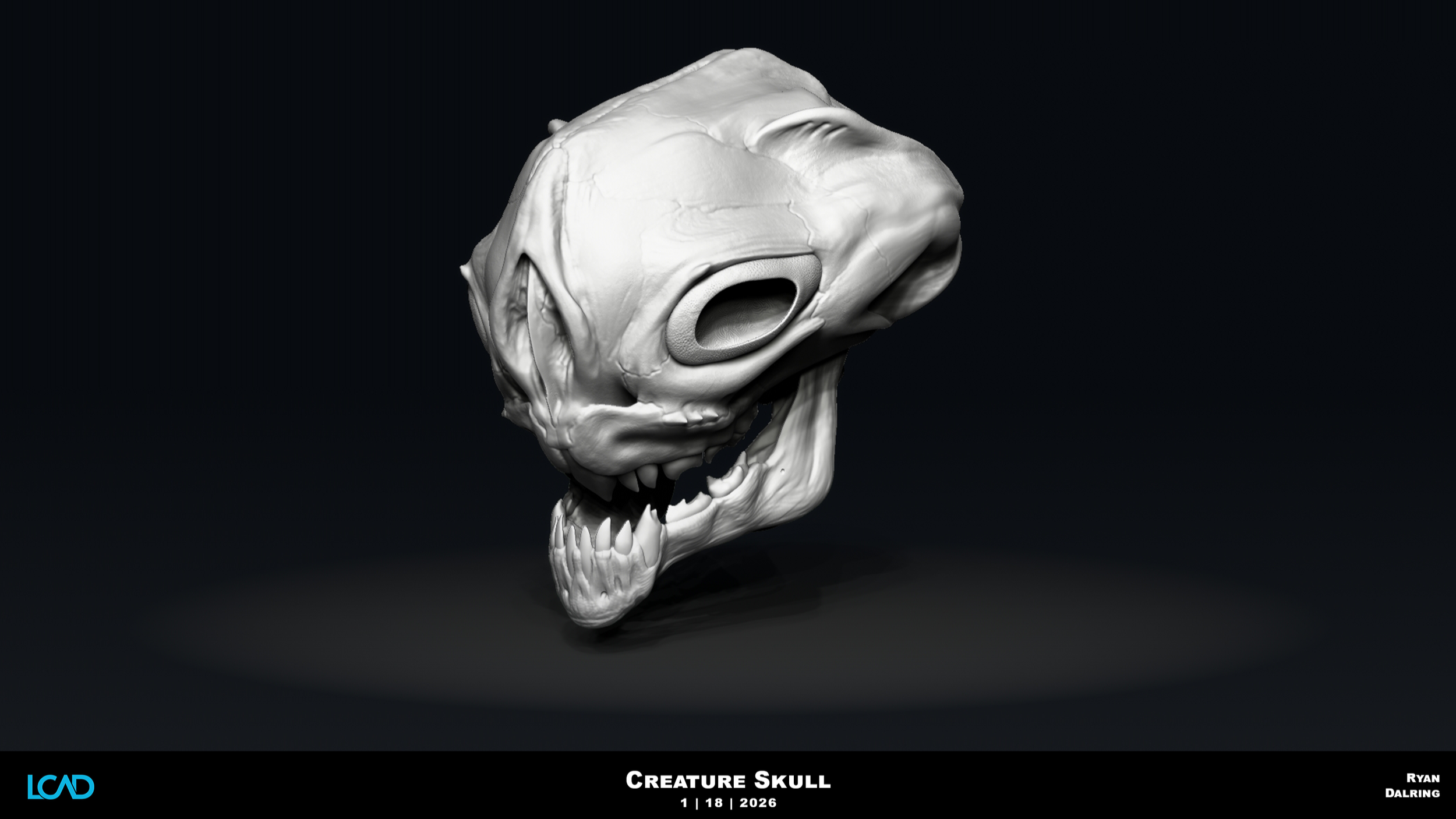
Project 1: Creature Head bust
Week 1 - Getting Functional inside ZBrush- Navigating the UI and Basic Sculpting, Primitive vs Polymesh3D, Dynamesh, Subtools, Sculpting Brushes
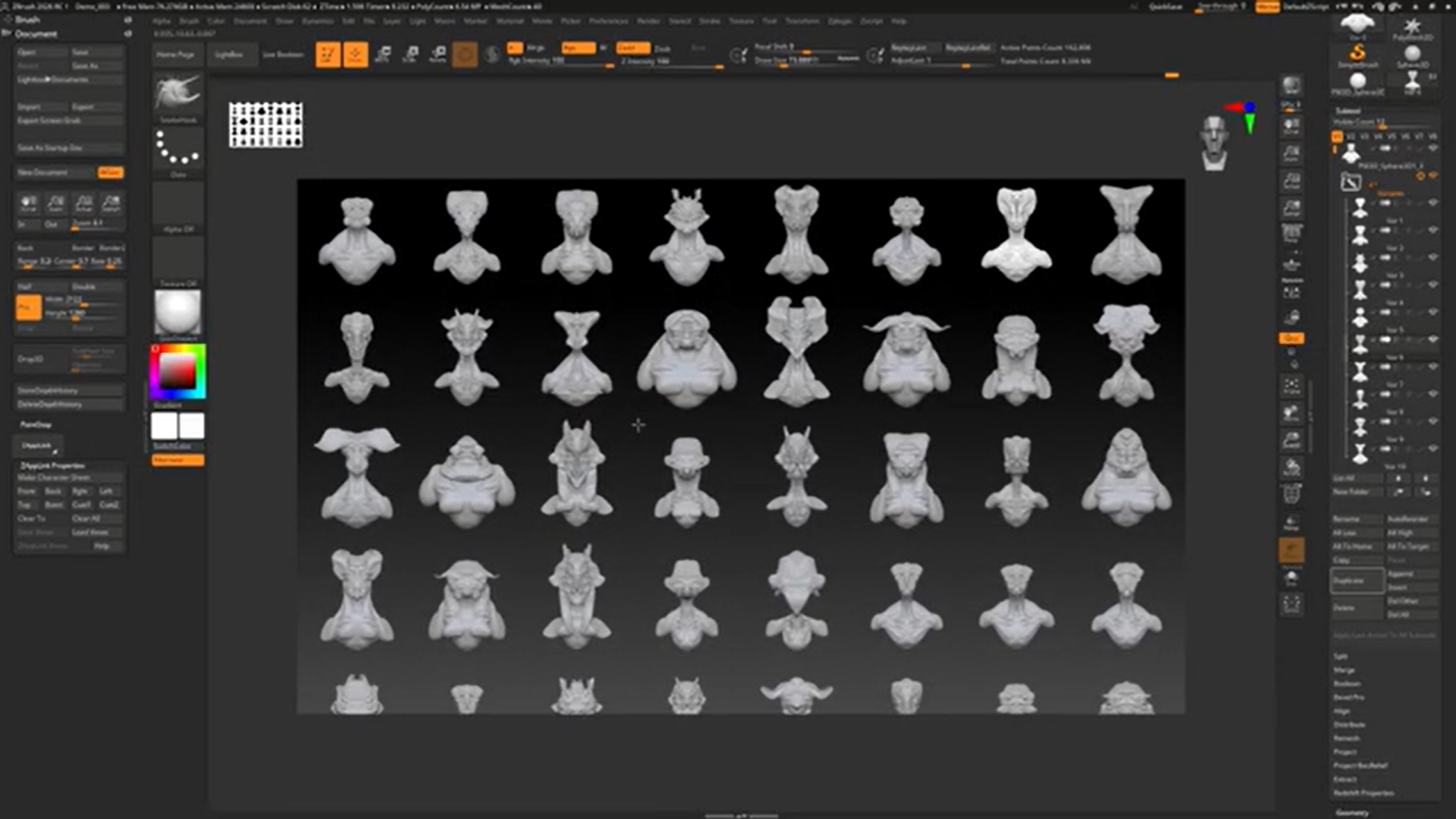
Week 2 - Gizmo, Knife, Slice, Trim, and Clip, Masking and Selections, Dynamesh Subtraction, Orthographics in PS, Image Grids in ZBrush, Blocking out the Form, Curve Bridge, Backface Mask, Mirroring, Modify Topology, IMM Brush Basics
Week 3 - Deformation Unify, Sculpting Refined Form, AccuCurve, Pinch, Adjust Last, Replay Last, IMM Brush Creation, Depth, Tool and Brush Masking, Polygroups, Image Plane, See-Through, Turntables
Week 4 - Humanoid Creature Bust Sculpting, Basic Facial Anatomy, Topology Types, ZRemesher, Projection, Mouth Bags, Curve Lathe, Boolean Basics
Week 5 - Granular Detail: Alphas and Spotlight Alpha, Stroke Types, Layers, Morph Target, History Recall, Smooth Peaks and Valleys, FormSoft, Elastic, Contrast Brushes, Transpose Master
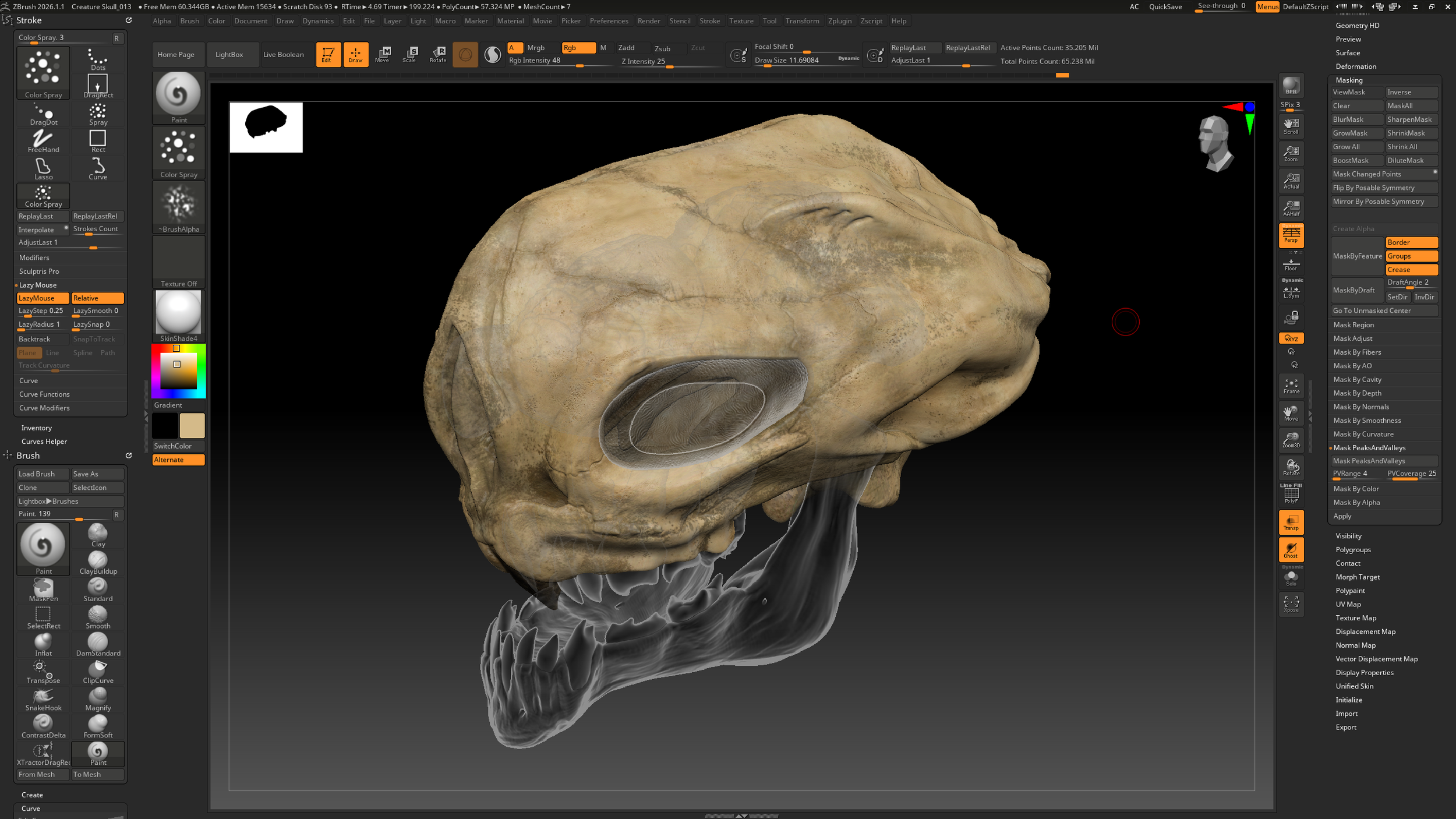
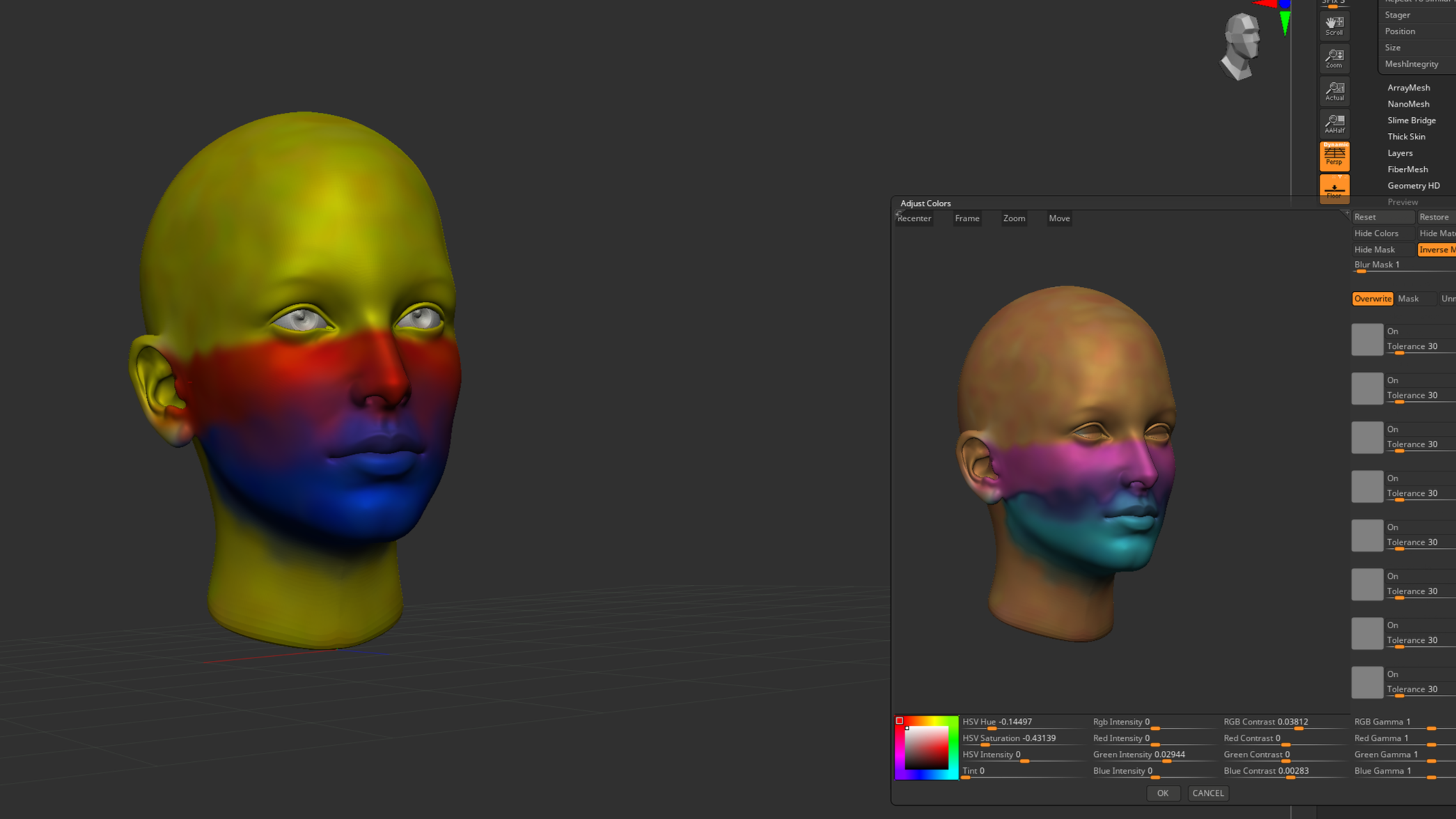
Week 6 - Extraction, Sculptural Hair, Curve Brush Basics, UV Master, Texture Maps, PolyPaint, Skin Color Zones, Spotlight, Adjust Color
Week 7 - ZModeler Basics, PolyGroupIt, Gizmo Primitives and Deformers, Trim Smooth Border, Clay Polish, RedShift Rendering, Lighting and Materials
Week 8 - Live Boolean, ZSpheres, Sculptris Pro, Tri-part Curve Brushes, Curves Helpers, 3D Printing, Decimation, Customizing ZBrush UI
Week 9 - Nanomesh, Arraymesh, Surface Noise, Fibermesh
Week 10 - Creature Full Body Block-in, Basic Quadrupedal Creature Anatomy, VDM Brushes
Week 11 - Posing, Transpose Master, ZSphere Rigs, Proxy Pose, Anchor Brush
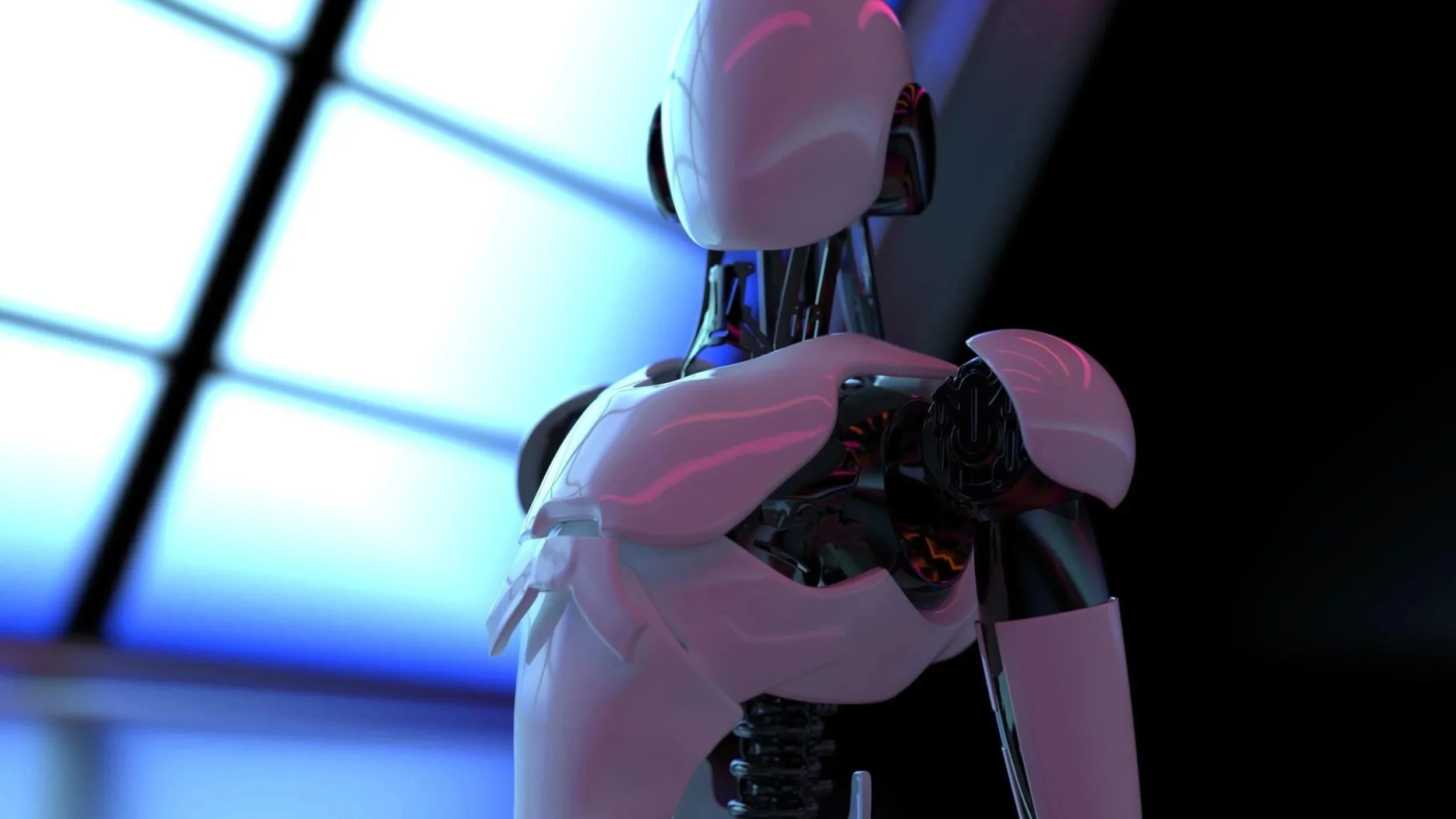
Week 12 - Blocking in Hard Surface: LazyMouse, Extractions, Hard Surface Sculpting Brushes, ZModeler, Dynamic Subdiv
Week 13 - Panel Loops, Topology Brush, Booleans, IMM Projection
Week 14 - Building Clothing, Project Mesh Brushes, Dynamics, Cloth Brushes, Deco Curve, MicroPoly, Bas Relief, Snapshot3D
Week 15 - Thick Skin, MatchMaker
Intro | Getting Functional
ZBrush Utilities Tools
Global & Macro Management
Production Workflow Focus
Granular Detail
Asset Preparation Focus
Week 7
Spring Break
Hard Surface Basics
Week 9
Procedural Detail Focus
Week 10
Production Sculpt Focus
Week 11
Performance & Gesture Focus
Week 12
Hybrid Modeling Workflow Focus
Week 13
Mechanical Detailing Focus
Week 14
Clothing & Materials Focus
Lab 1
Lab 2